Chanty Product Features
Say hi to simple and intuitive user experience designed to meet & fit your needs.
Feel the seamless onboarding across devices and platforms. Kiss goodbye to the learning curve and hours reading how-to guides to get started.

Make yourself at home with Chanty extras
 Share multiple content in a single app
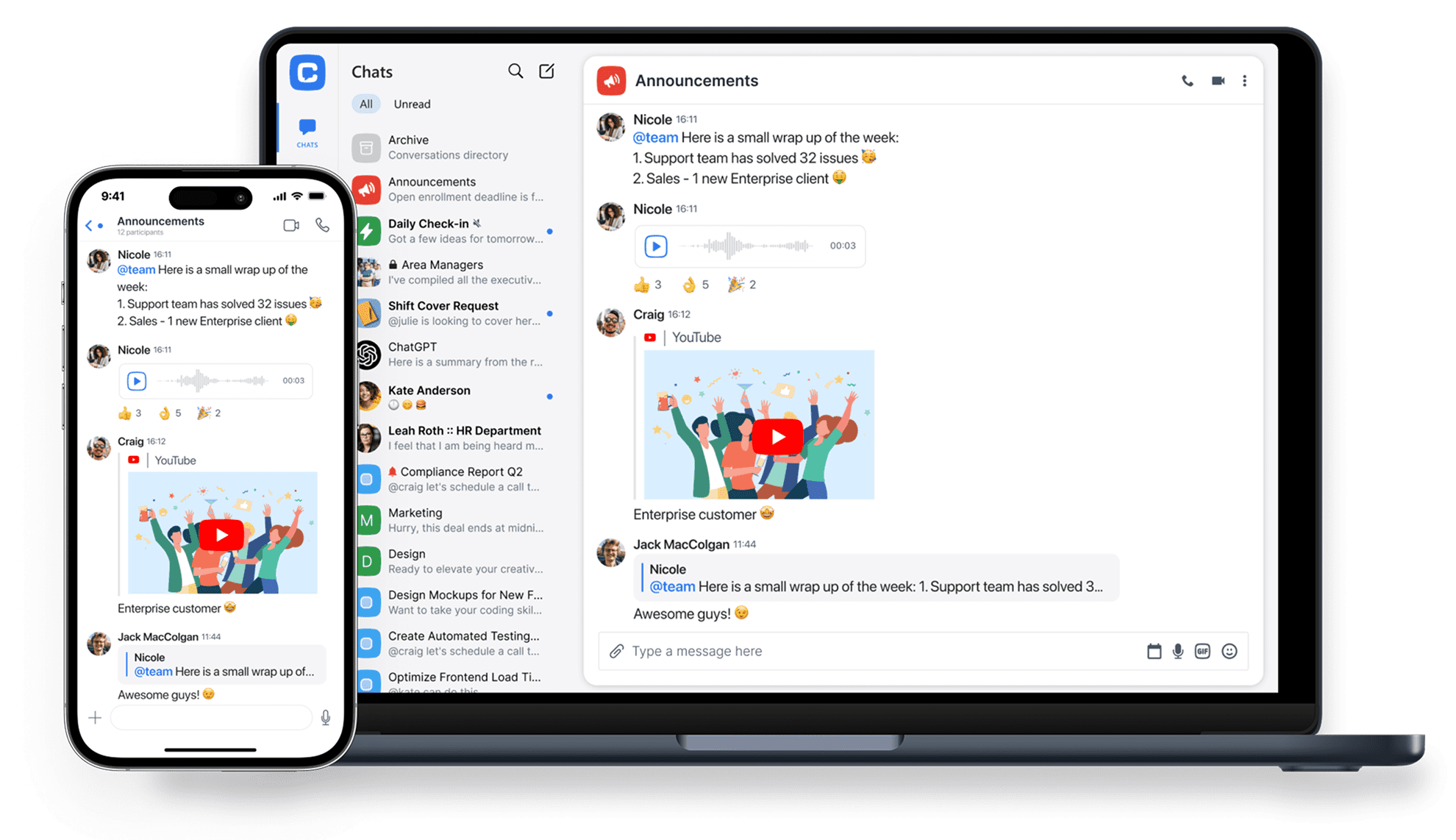
Your experience matters. Share YouTube, Coub, GIFs, and other social media content. Save time switching the apps and view your favorite media content in Chanty. Learn more
 Highlight members with @mentions
Shoot a message to a coworker or the entire team to address urgent matters or get a rapid answer. Learn more
 Save innovative ideas with pins
Chanty lets you decide what’s most important now. Be it your new ideas, latest reports, or sensitive deadlines. Pin any message on Chanty and find time to get back to it with ease. Learn more
 Code snippets with dev-friendly formatting
Save time from sending files or links to get your team code updates. Simply share clean lines of code and get instant reaction in a team chat. Learn more

Create and manage tasks to stay productive
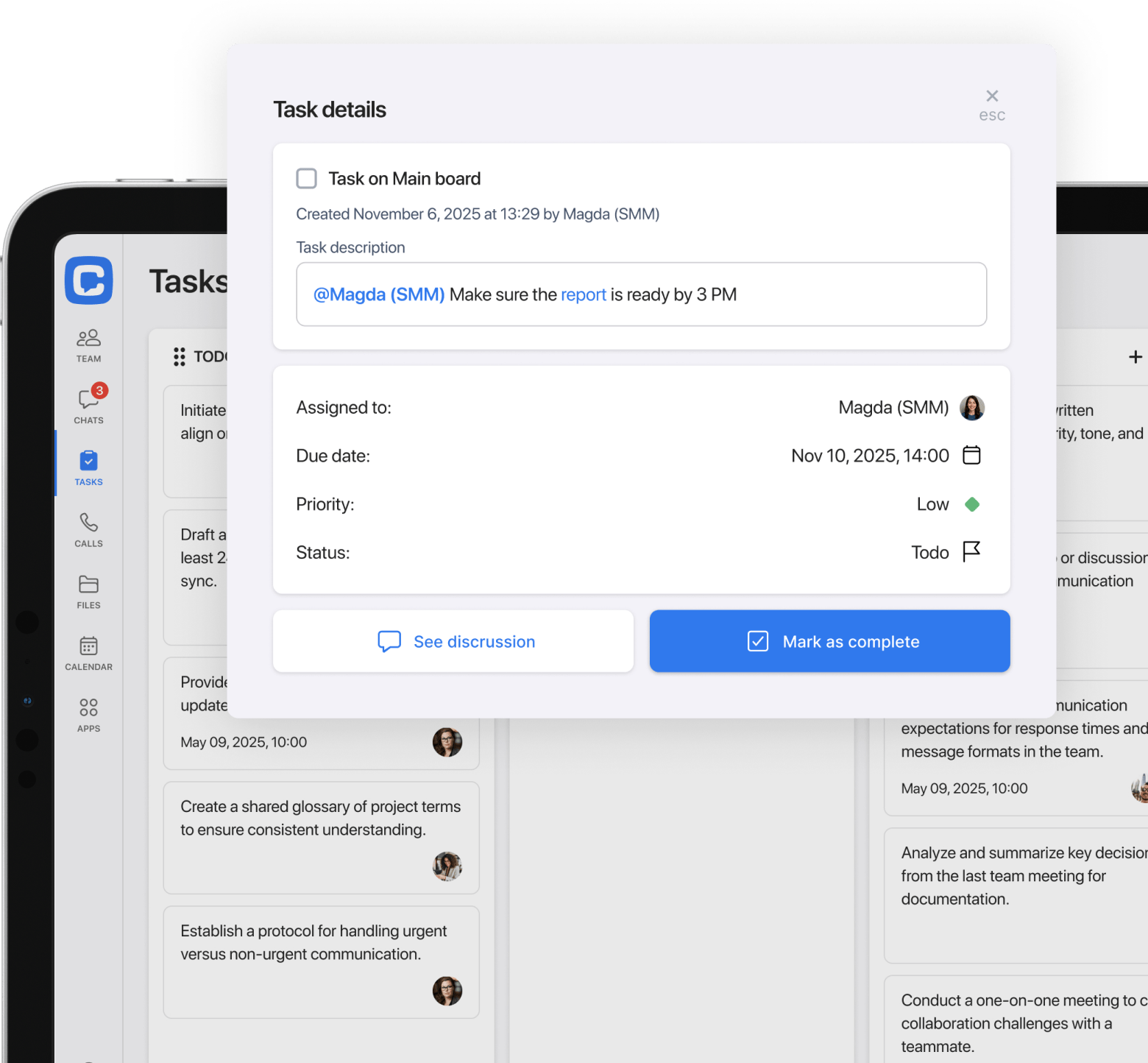
Create new tasks from scratch or turn any message into a task to enjoy a smarter collaboration with your deadline-driven team. Assign and filter tasks by status, dates and people. Start task discussions in one click to make sure everyone is on the same page.
Learn more
Take control over your team space
Keep only relevant people and conversations on your team space. Suspend the members who are no longer on your project, archive the conversations with no activity.
Learn more
Set and control roles or privileges. Choose who can post and who can see other team members in conversations with Chanty’s powerful team space management.
Learn more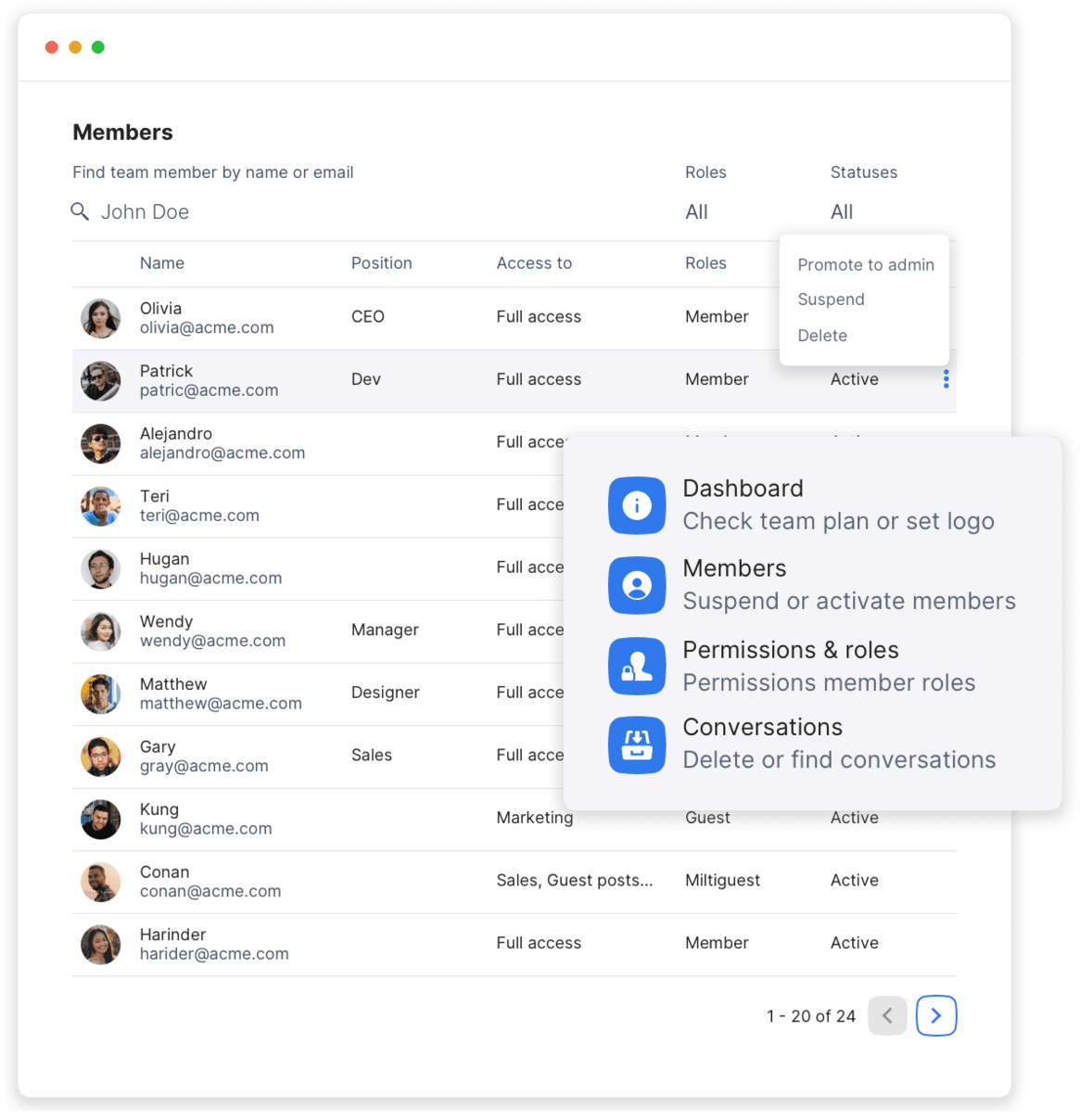
Connect other apps
to go beyond communication
Turn a simple team chat into a powerful business tool and achieve a new level of productivity with third-party apps in Chanty. Make use of organized notifications for everything that happens in your team, track progress, and automate tasks.
Free your time from switching between multiple apps and accumulate collaborative efforts in a single place.
Explore integrationsOptimize your workflow by switching to Kanban board view
Enjoy a flexible, visual, and simple way to execute scrum methodology and manage all your tasks in one place. Set the due date, and control status and priority of any task or subtask.
Voice and video calls

Meet more efficiently with video conferencing
It’s easier to see things eye-to-eye when you’re face-to-face. Video conferencing helps you share information more efficiently, so work gets done faster.


Join anywhere, on any device
With Chanty, you can start or join a call from anywhere. Go from typing messages to making a video call with the click of a button.

Present and discuss
While in a video conference, you can show what you’re working on by sharing your screen or let someone else share theirs.

4k video and audio
Bring 4k video and audio to your meetings with support for up to 1000 video participants and 49 videos on screen.
Jump on a call or leave a voice message while going remote
Making calls in Chanty puts you a tap away from flawless, secure, and effective communication. Simply open the conversation and reach out to the whole team or individual team members with high quality audio and video calls. Bring your remote team from multiple locations or time zones to one place, redefining the way collaborate in real-time.
Learn more
Tasks management
Create and manage tasks to stay productive
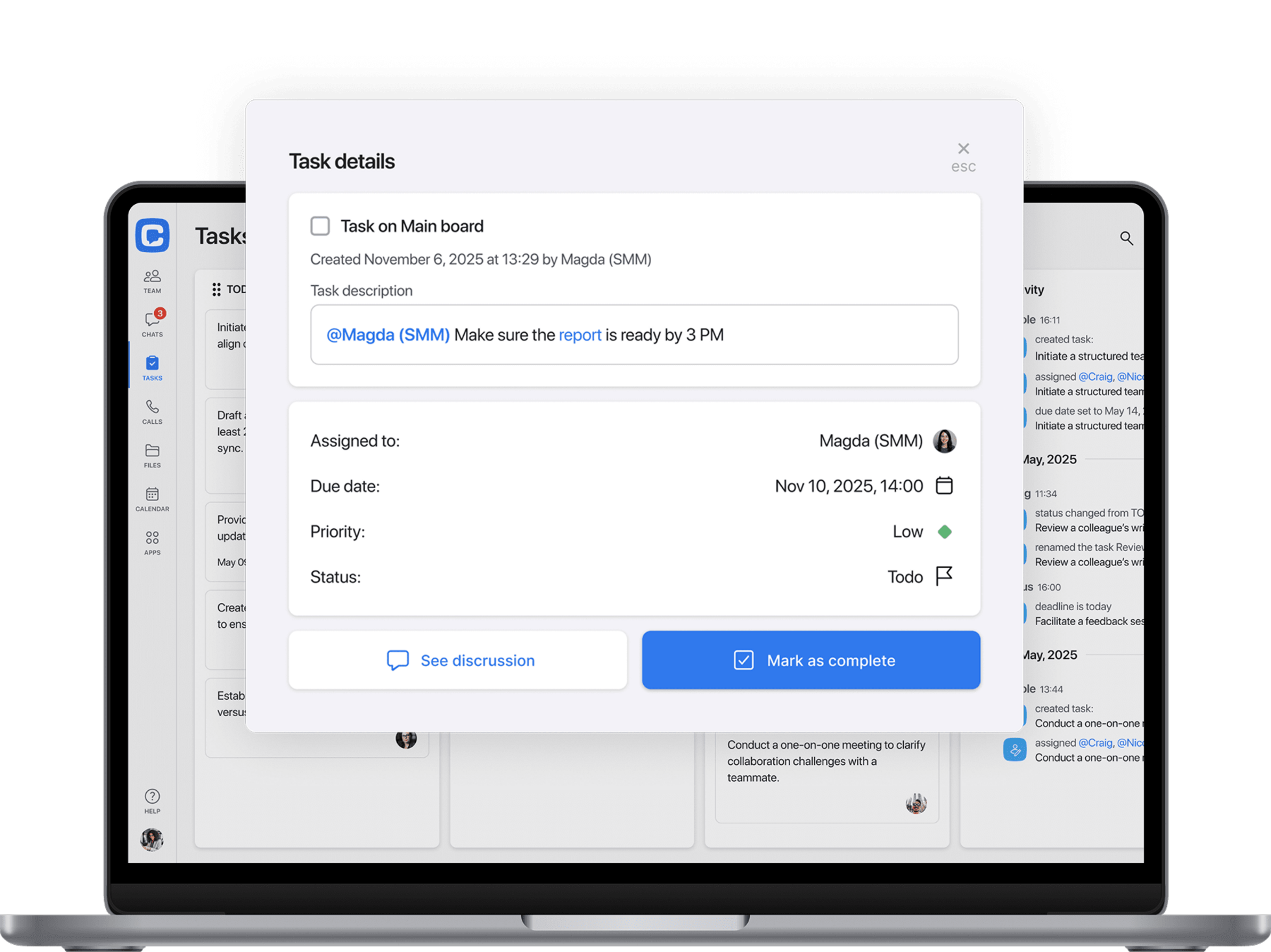
Create new tasks from scratch or turn any message into a task to enjoy a smarter collaboration with your deadline-driven team.
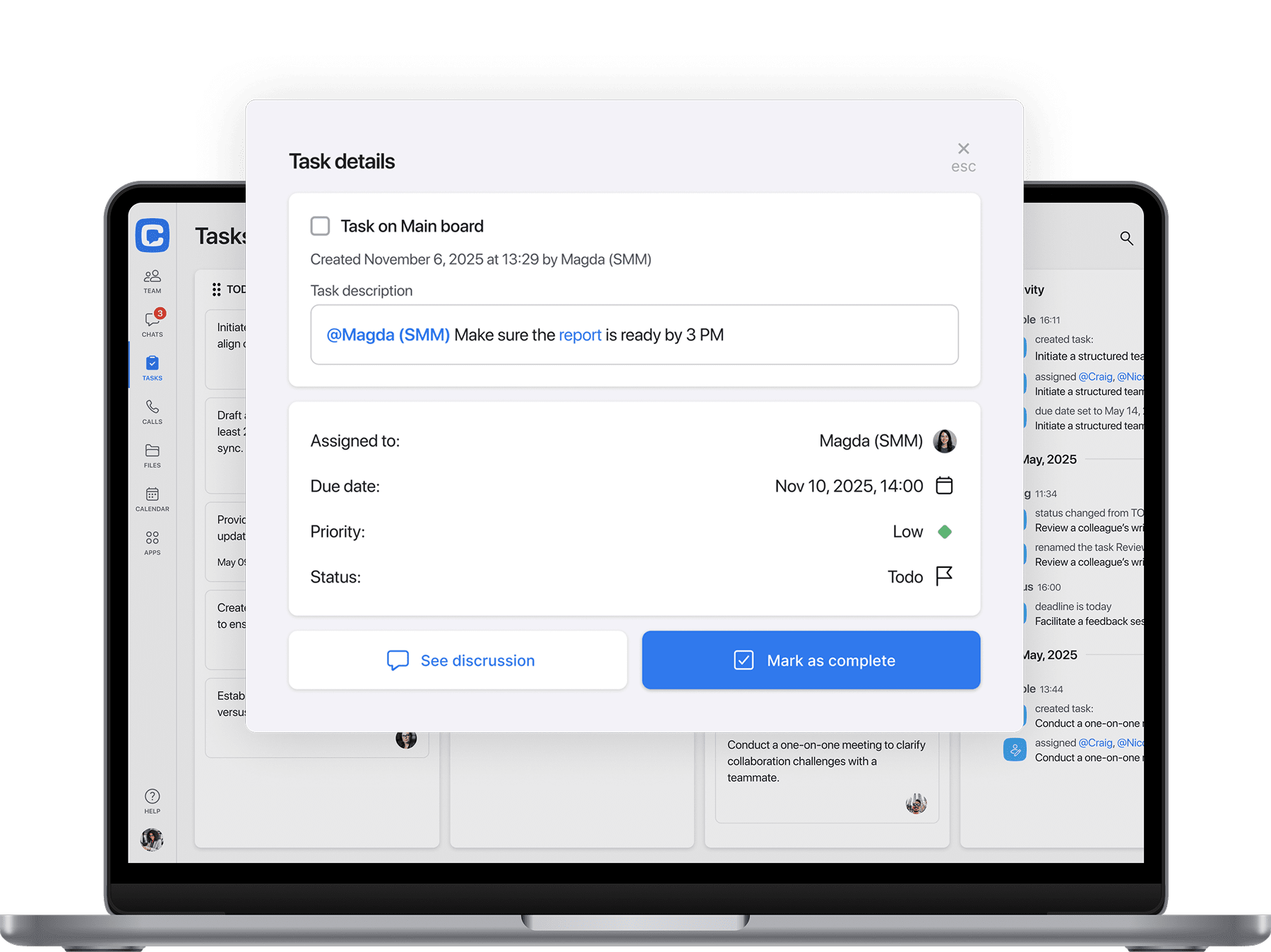

Kanban view
It’s essentially a way to view tasks in rows and columns, similar to what you would find in today’s popular project management tools.

Discuss tasks
Discuss the task in its related channel, creating a workflow centered around that specific task.

Set due date
With Chanty due date feature you will always be notified about a deadline. Control the status and priority for any task.
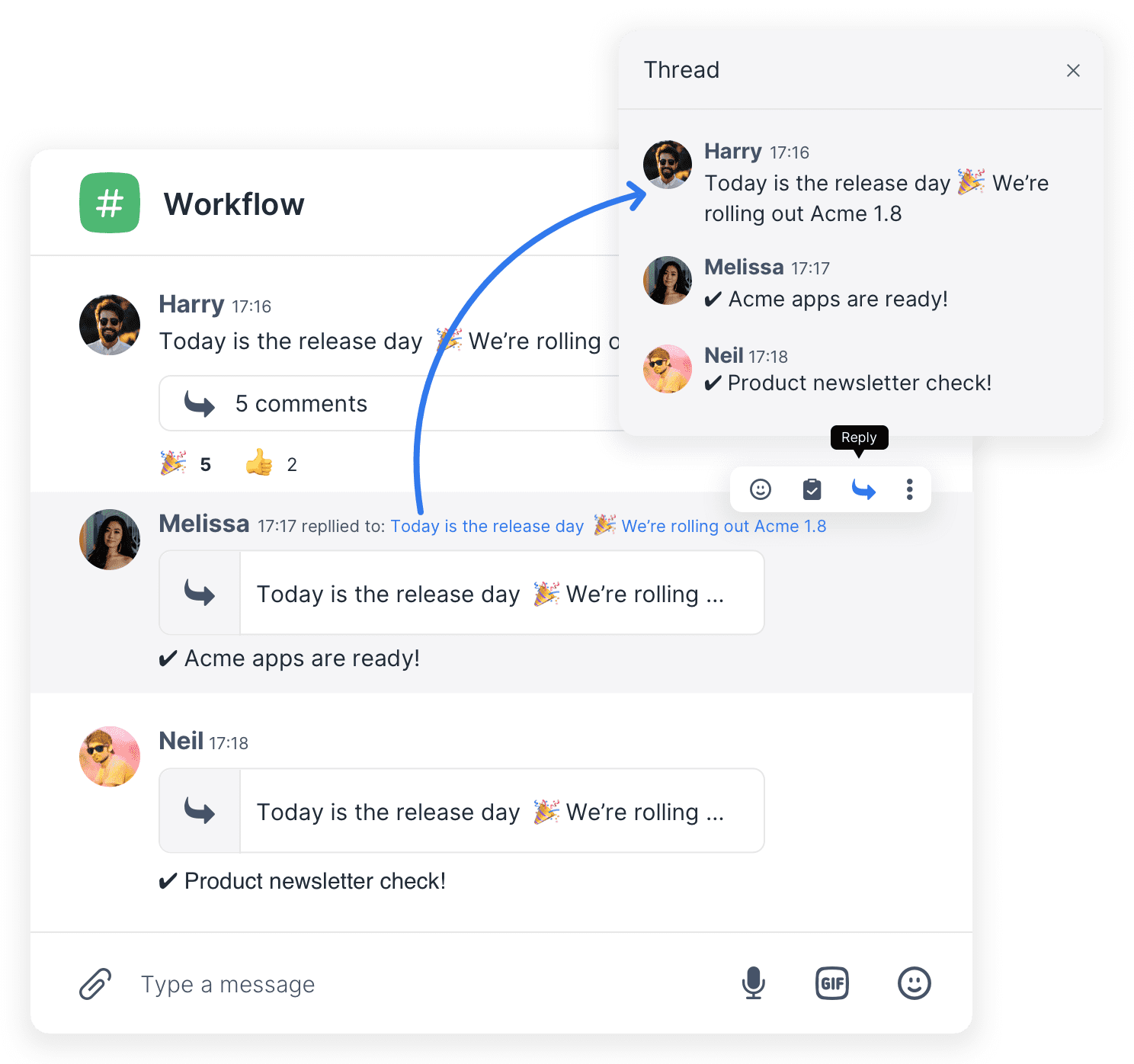
Start a thread for
context-based discussions
Take your team communication to a next level. Adopt workflows to set clear goals and achieve amazing results. Choose the structure and assign a decision maker to make sure your internal communication is 100% productive.
Start threads to stay on topic and let the others catch up without scrolling through an endless conversation timeline.
Make a difference with these great small additions
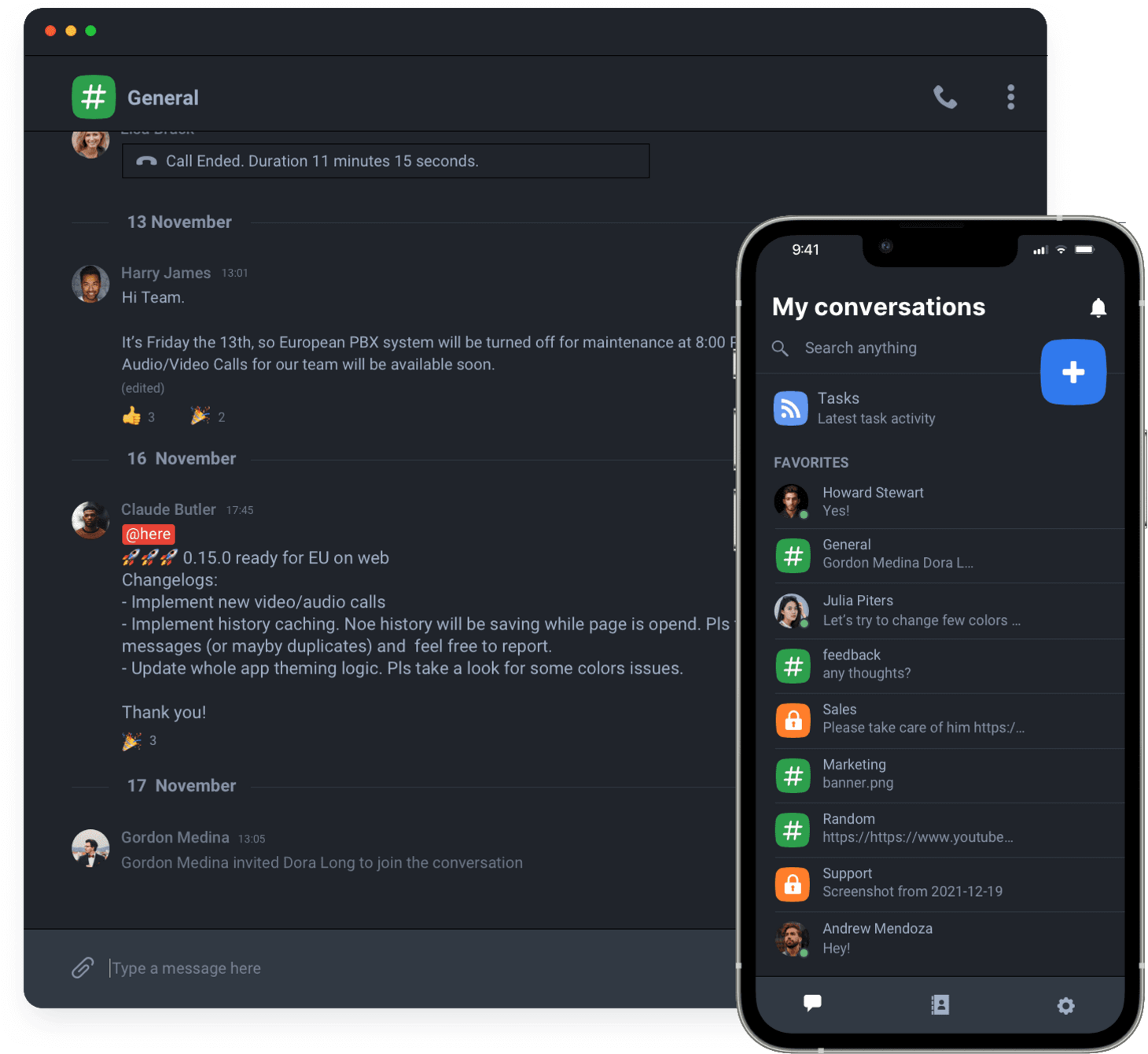
Switch chat appearance to the high contrast Dark theme and keep your focus in dim light reducing eye strain.
Make your team 55% more productive* The results are based on Chanty customers feedback
We are always ready to help
Got a question? Our 24/7 support team will go the extra mile for you to have an easy and enjoyable experience with Chanty.