
Being available has quietly become part of the job description. Nobody writes “check your inbox every seven minutes” into an employment contract. Yet a delayed reply can feel like a small professional failure, even when you were busy doing the work you were hired to do.
So you check. Between tasks. Before a meeting. During the few minutes that were supposed to be a break.
The uncomfortable part? Staying close to your inbox does not guarantee that important work moves forward. You can answer fifteen messages and still leave the one decision your team needs unresolved.
Email overload at work is partly about volume. It is also about uncertainty: which messages matter, how quickly people expect a reply, and whether something will go wrong while you are looking elsewhere.
A better approach makes those questions easier to answer. Here is how to reduce email overload while staying dependable to your colleagues and clients.
Why every email starts to feel urgent
An inbox gives very different messages almost the same presentation. A client approval, an automated receipt, a newsletter, and a casual FYI all arrive wearing the same little unread badge.
You have to open them to discover which deserves your attention. Then another message arrives, and the sorting starts again.
Team habits can make this harder. If one manager expects an answer immediately and another is comfortable waiting until tomorrow, employees end up following the fastest expectation. Checking constantly becomes a way to avoid guessing wrong.
Unfinished business also matters. You sent a proposal, asked for approval, or requested a document. Until someone replies, that conversation stays somewhere in your head.
The inbox becomes a mixture of communication, reminders, and tasks. No wonder closing it feels risky.
Before changing your personal habits, look at what your team is asking email to do. A cleaner inbox helps. Clear expectations make it easier to leave that inbox alone.
Agree on what “responsive” actually means
“Please respond promptly” sounds reasonable until five people interpret it five different ways.
For one person, promptly means within the hour. For another, it means by the end of the working day. Neither knows what the other expects.
Agree on response windows for common situations. Separate acknowledging a request from completing it: a short confirmation can give someone certainty while the actual answer takes longer.
Here is a starting point to adapt to your team:
| Type of communication | Suggested expectation | Helpful practice |
|---|---|---|
| Routine internal email | By the next working day | Include a deadline if action is needed |
| Client request | Within the agreed service window | Confirm receipt if a full answer needs more time |
| Approval blocking a deadline | Before a stated time | Name the decision-maker and explain the impact |
| Urgent operational issue | Use the agreed urgent channel | Call or contact the designated person directly |
| FYI or newsletter | No response expected | Label it clearly and review when useful |
These are suggested rules, not universal targets. Customer support, operational teams, and client-facing roles may need different arrangements.
The useful part is making the agreement visible. “Email is reviewed during working hours; urgent issues go to the duty contact” gives people more guidance than “we value communication.”
Managers need to follow the agreement too. A response policy means little if a missed evening email becomes a complaint the following morning.
Give each channel a clear job
Reducing email overload gets difficult when email handles everything from supplier contracts to “has anyone seen the meeting link?”
Decide where different conversations belong.
Email works well for external correspondence, formal exchanges, and information that needs to reach people outside your workspace. A team chat can be more useful for short internal questions and shared discussions. Tasks belong somewhere you can see who owns them and when they are due.
The key decision is where the final answer lives.
Suppose a client emails a change request. The account manager brings the relevant details into the team workspace. The team agrees on the work, assigns an owner, and tracks the deadline. The account manager then replies to the client by email.
That gives each channel a purpose without requiring everyone to join the original email chain.
Before forwarding a message to six colleagues, ask: who needs to decide, who needs to act, and who only needs the outcome? Those may be three different groups.
Write messages that need fewer messages back
Some email overload begins with perfectly polite messages that are missing one essential detail.
“Could you take a look?” leaves the recipient guessing. Look for what? By when? Does the sender need approval, feedback, or simply confirmation that the attachment opens?
Make the next step easy to identify.
A useful request includes:
- Context: What is this about?
- Action: What do you need the recipient to do?
- Owner: Who is responsible for the response?
- Timing: When is it needed?
Compare “Thoughts on the updated proposal?” with “Maya, please approve the revised budget or flag changes by Thursday at 2 p.m. We need approval before sending the proposal to the client.”
The second version gives Maya enough information to plan her response. It also gives everyone else less reason to jump into the thread.
Use subject lines that describe the work: “Approval needed: revised launch budget by Thursday” is easier to process than “Quick question.”
And if no reply is needed, say so. A small “FYI — no action required” can spare several people a small but unnecessary decision.
Check email deliberately, with coverage where needed
“Only check email twice a day” is appealing advice. It may also be completely impractical for your job.
Start with a schedule that fits your responsibilities. Someone doing focused project work might review email at the start of the day, around lunch, and before finishing. An account manager may need more frequent checks or agreed coverage during focused work.
The goal is to make checking intentional.
Try a short protected work period first. Close email for 30 minutes, keep the agreed urgent route available, and review what happened afterward. Extend the interval if it works for your role.
For shared inboxes, arrange coverage so customers receive attention while individual team members have room to concentrate. A rota is more useful than asking everyone to stay half-focused all day.
When you do open email, make a decision about each relevant message: answer it, schedule the work, assign it, or file it. Repeatedly reading the same message without deciding what happens next is how one email becomes a recurring appointment.
Make lower-priority email easier to review later
Batch-checking email works better when you don’t have to dig through everything each time.
Begin with the simple changes. Unsubscribe from newsletters you never read. Review automated notifications. Use your email provider’s rules to separate predictable messages, such as receipts or routine system alerts.
If manual sorting still takes too much attention, an email management tool can help. For example, SaneBox works with an existing email account. Its SaneLater feature moves lower-priority messages into a separate folder, while SaneNews gathers newsletters for later review. What is a feature?
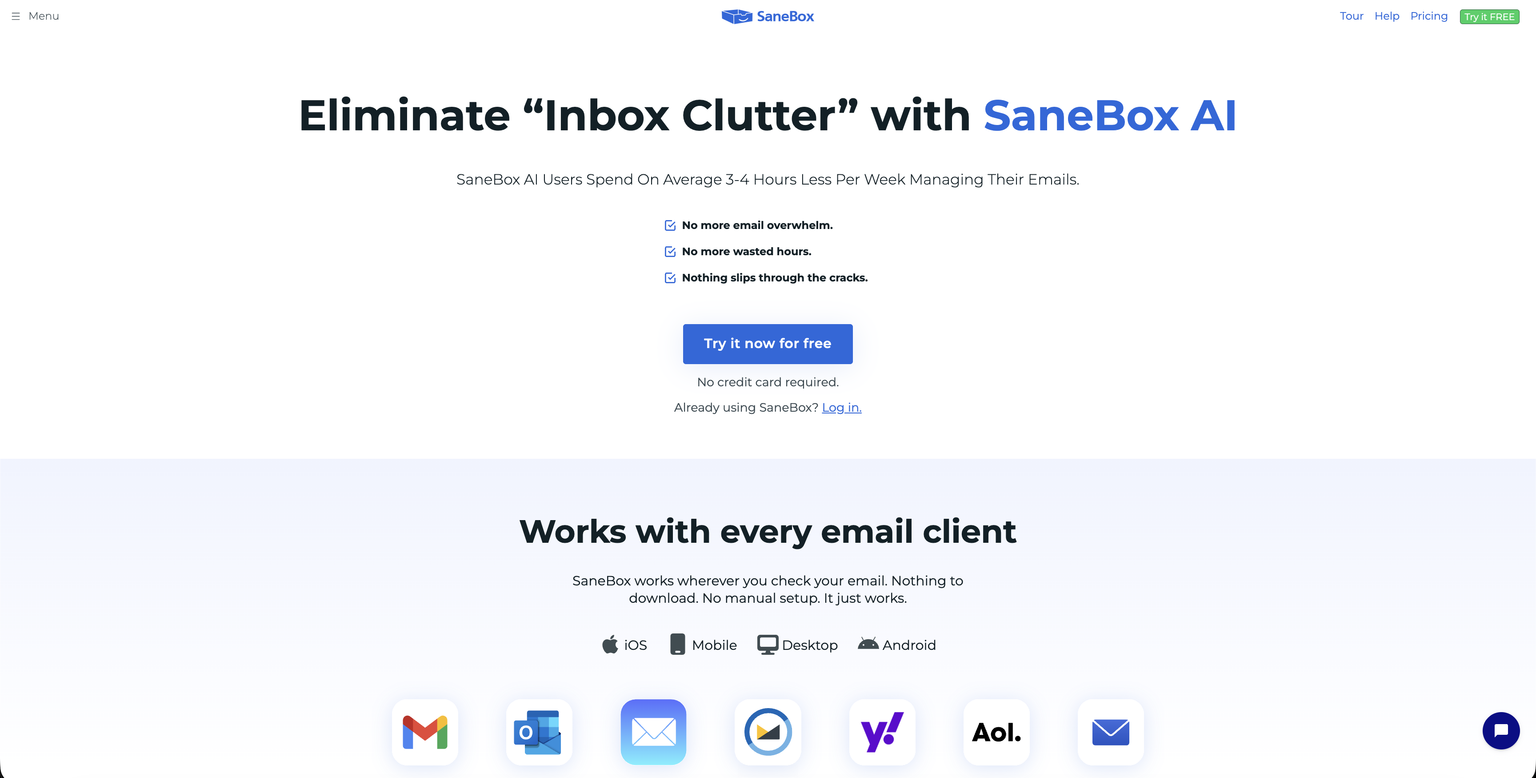
Keep a regular review window for deferred messages, and check how the sorting behaves while you train it. “Later” should mean a planned review, rather than a folder you rediscover three months from now.
The practical test is whether important messages become easier to find and less important ones stop interrupting your day.
Stop relying on memory for follow-ups
Waiting for a reply is work too, especially when several other tasks depend on it.
Create a simple follow-up routine. When you send an important request, decide when you will check back if you don’t hear back. Record that date in a task, calendar reminder, or email reminder tool.
SaneReminders, for example, can return an email to your inbox if the recipient has not replied by the time you specify. A reply received before that deadline cancels the conditional reminder.
A reminder helps you return to a conversation. A shared task helps the team see the work behind it. If a missing approval is holding up a launch, give that dependency an owner and a deadline rather than leaving it visible only in one person’s mailbox.
When you follow up, make the decision clear: “Can you approve option A by noon tomorrow? Otherwise, we will need to move the delivery date.” That is easier to act on than another “just checking in.”
Reduce email overload without creating chat overload
Moving internal discussions into chat can make coordination easier. It can also move the same habits into a different window.
If every message triggers a notification, every question mentions the whole team, and every conversation needs an immediate reply, people are still interrupted. The notification sound has simply changed.
Apply the same communication rules across your tools:
- Keep discussions in the relevant group or conversation.
- Mention the people who need to act.
- State deadlines instead of assuming immediate attention.
- Turn agreed actions into assigned tasks.
- Share outcomes where others can find them.
A workspace such as Chanty can bring team conversations, calls, files, and tasks together. For example, once a discussion produces an action, the team can turn a message into a task and assign it rather than start another email chain.
Use that connection to clarify responsibility. Colleagues should be able to find the next step without asking everyone for a status update.
Try a small reset this week
You do not need a company-wide communication overhaul to make progress.
Choose one recurring source of email friction. It might be approval requests with no deadline, a shared inbox with unclear coverage, or internal updates sent to too many recipients.
For one week:
- Agree on the response expectation.
- Decide which channel will carry the conversation.
- Give each action an owner and a deadline.
- Set aside time to review lower-priority messages.
- Record follow-ups instead of remembering them.
Then check the result. Did anything important get missed? Were there fewer repeated requests? Could people spend longer on their work without checking for updates?
Keep the changes that help. Adjust the ones that create delays. An empty inbox is optional; dependable communication is the point.
Give your team permission to focus
Being responsive should mean people can rely on you: they know where to reach you, when to expect an answer, and what happens next.
That becomes easier when requests are clear, urgent communication has an agreed route, and unfinished work has a visible owner. Sorting tools can reduce the noise around those habits, while a shared team workspace can keep internal discussions connected to action.
Start with one agreement your team can follow tomorrow. You may find that people need fewer replies once they have more certainty.