
No one wakes up in the middle of the night with a sudden urge to look for a secure messaging app.
At least, most people don’t.
Yet we live in a world where a large part of our personal and professional lives is constantly shared, stored, and tracked. We click “accept cookies” without reading. We send sensitive files over chats that were never designed for confidential or professional conversations. Sometimes, we even share company data with AI tools – often without fully realizing the implications because it feels convenient and fast.
In many cases, we’re aware of these trade-offs. We don’t feel we have much control to begin with.
That’s why secure messaging apps have become such a common topic. Messaging is one of the few parts of our digital lives we interact with every day, and one of the easiest places to regain at least some sense of control. It’s personal, immediate, and central to how teams collaborate and how professionals communicate with clients.
People don’t look for perfect privacy. They seek peace of mind – whether that comes from genuine protection, clearer boundaries, or simply knowing who can access their messages. Understanding what secure messaging actually means, and where its limits are, is the first step toward making that choice consciously.
Pick the best secure messaging app for your needs
- Chanty – Secure team communication
- Signal – Privacy-first personal messaging
- WhatsApp – Encrypted consumer messaging
- Telegram – Cloud-based convenience messaging
- Threema – Privacy-by-design messaging
- Wire – Secure enterprise collaboration
Why do people start looking for a secure messaging app
Most interest in secure messaging isn’t driven by curiosity. It’s driven by experience – the things that go wrong in the digital world make people suddenly more aware of what might be at risk.
Data breaches, security lapses, and unexpected restrictions on popular communication tools have turned private conversations into public issues – sometimes overnight.
Real incidents that shook trust in messaging platforms
In 2025, a well-known dating discussion app that had millions of users was forced to suspend its messaging function after research found that direct messages and sensitive personal data were exposed online due to a security breach. The app’s promise of anonymity and safety was undermined by exposed pictures, identity documents, and user conversations – a stark reminder that security claims don’t always match reality.
In another high-profile move, the U.S. House of Representatives banned WhatsApp on all official devices, citing cybersecurity concerns related to encryption practices, data transparency, and stored message vulnerabilities. Government cybersecurity officials recommended alternative messaging platforms with stronger protections for official communication.
Meanwhile, a survey by the UK’s Financial Conduct Authority identified 178 breaches of messaging policies across major UK banks within a 12-month period – highlighting that even institutions with strict internal rules struggle to control messaging risk.
These events reveal a clear pattern:
- Security assumptions can be wrong, even for popular tools
- Organizations at every level are actively rethinking how they communicate
- Messaging is no longer “just chat” – it’s an operational and reputational risk
7 features of a secure messaging app
When people start searching for a secure messaging solution, they often focus on buzzwords like “encrypted” or “private”. But these terms don’t always mean the same thing – and in many cases, they don’t protect users from risks that matter most.
Real security is not a single feature. It’s a system. And when one part is missing, the entire chain becomes fragile.
Below are the core pillars that determine whether a secure messaging app actually protects conversations – or just claims to.
1. End-to-end encryption
End-to-end encryption (E2EE) means your messages are scrambled on your device and can only be read by the person you send them to. Not even the app provider can see what’s inside.
Without E2EE, anyone who accesses the server – hackers, insiders, or government agencies – could read your messages. That exposure often leads to leaks, data breaches, or the unintended sharing of confidential conversations and files.
2. Metadata protection
Metadata is the information surrounding your messages: who you talk to, when, and how often. Even when message content is encrypted, metadata can still reveal patterns of behavior.
A secure messaging app limits how much metadata it collects and how long it stores it. Without those limits, attackers or surveillance systems can map relationships, routines, and habits without ever opening a message.
3. Key management & ownership
Encryption only works if keys are handled. In some apps, the provider keeps the encryption keys, which means messages could be decrypted if access is granted or demanded.
In more secure systems, users control their own keys. This keeps messages private even from the provider itself. When key management is weak or opaque, unauthorized access can happen quietly, often without users realizing it.
4. Secure backups & sync
Messages don’t just travel between devices – they’re often stored and synced. A secure messaging solution encrypts backups using keys that only the user controls. AI pentesting tools can also be used to proactively identify vulnerabilities in backup systems and sync infrastructure before they are exploited.
Unencrypted or poorly protected backups are a common weak point. If cloud storage is compromised, entire chat histories can be exposed, even when messages were encrypted during transmission.
5. Authentication and identity verification
Strong authentication (like two-factor login) ensures that only you can access your account. Identity verification confirms the person on the other end is who they claim to be.
If attackers gain access to an account, encryption alone won’t help. They can read messages, send false information, or impersonate users – putting both personal and professional communication at risk.
6. Transparency and independent audits
A secure messaging app should be open about how it protects your messages and regularly undergo external audits.
Transparency builds trust. Without it, hidden vulnerabilities or misleading promises can go unnoticed until real damage is done.
7. Access controls and admin policies
In team environments, security also depends on who has access to what. Proper role-based permissions, retention rules, and limited admin access reduce the risk of accidental leaks or insider misuse.
Without clear controls, sensitive information can spread internally, affecting compliance, privacy, and company reputation.
Summary: What a secure messaging app protects you from
| Protection | What It Protects | Why It Matters |
| E2EE | Message content | Reduces exposure if servers are compromised |
| Metadata minimization | Contact patterns | Prevents tracking or profiling |
| Key management | Key access by providers | Keeps messages unreadable to third parties |
| Secure backups | Stored data exposure | Prevents archived chats from leaks |
| Authentication | Unauthorized access | Reduces account compromise |
| Transparency | Confidence in claims | Verifiable security |
How to compare the secure messaging apps in practice
After understanding what makes a secure messaging app truly secure, the next challenge is comparison. This is where many people get stuck.
Most messaging tools claim to be encrypted. Many advertise privacy. Fewer explain what that actually means in daily use – or how much control users really have. In practice, security is always a balance between protection, usability, and oversight.
Before comparing specific secure messaging apps, it helps to look at a few practical questions:
- Is encryption enabled by default, or optional?
- How much metadata does the app collect and retain?
- Who controls the encryption keys – the user or the provider?
- Are backups protected with the same level of security?
- Can access and permissions be managed, especially for teams?
- Is the app transparent about how its security works?
No single app is “perfect” for every scenario. Some prioritize maximum privacy for individuals. Others focus on controlled, compliant communication for teams. Understanding these trade-offs makes comparisons clearer – and more honest.
Secure messaging apps comparison
| App | E2EE by default | Metadata minimization | User controls keys | Secure backups | Admin controls | Best suited for |
| Chanty | Yes (in transit) | Moderate | Provider-managed | Yes | Yes | Business teams |
| Signal | Yes | Very strong | Yes | Limited | No | Personal privacy |
| Yes | Limited | No | Optional | Limited | Consumer messaging | |
| Telegram | Partial | Limited | Partial | Cloud-based | No | Large public groups |
| Threema | Yes | Strong | Yes | Yes | Limited | Privacy-focused users |
| Wire | Yes | Moderate | Partial | Yes | Yes | Teams & enterprises |
Little side note: “Secure” does not mean identical. Each app applies security differently, depending on its goals and audience.
How these popular secure messaging apps handle security
Chanty
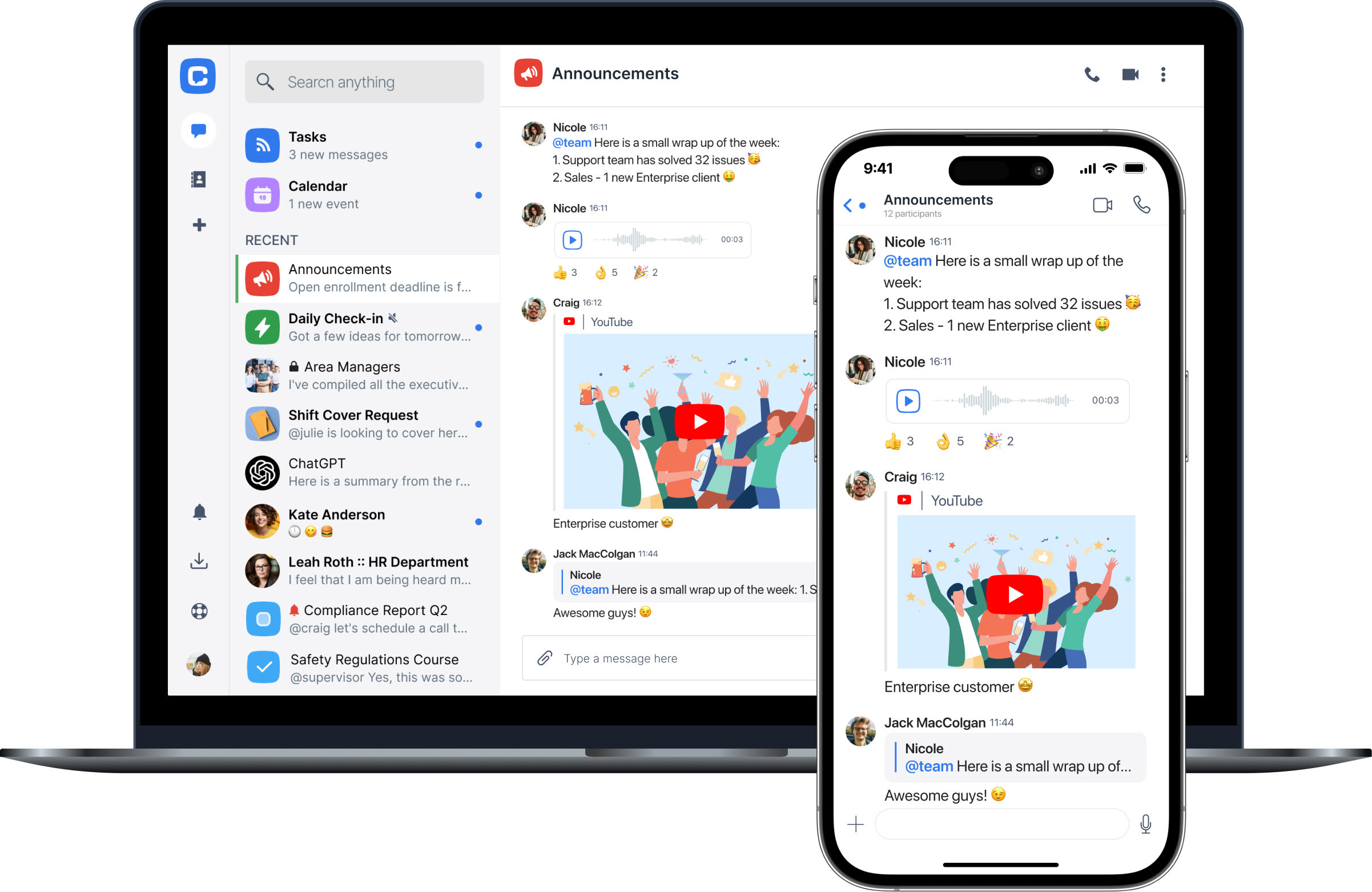
Chanty is not a privacy-first messenger built for anonymity. It is a secure messaging app for teams, designed to create a protected and controlled space for business communication. The platform focuses on safe collaboration, clear access boundaries, and organizational ownership of conversations and shared files.
Security in Chanty is based on structure and oversight rather than anonymity. Communication is protected through encrypted data transfer, invite-only team spaces, and role-based access controls that define who can view, manage, or share information. Isolated data storage, file encryption, and data loss prevention help reduce the risk of accidental leaks in everyday workflows.
Chanty aligns with HIPAA, FINRA, and GDPR requirements through documented policies, access controls, and audit-ready practices. Regular security testing, internal procedures, and configurable data retention support teams that need secure messaging without sacrificing usability or transparency.
Signal
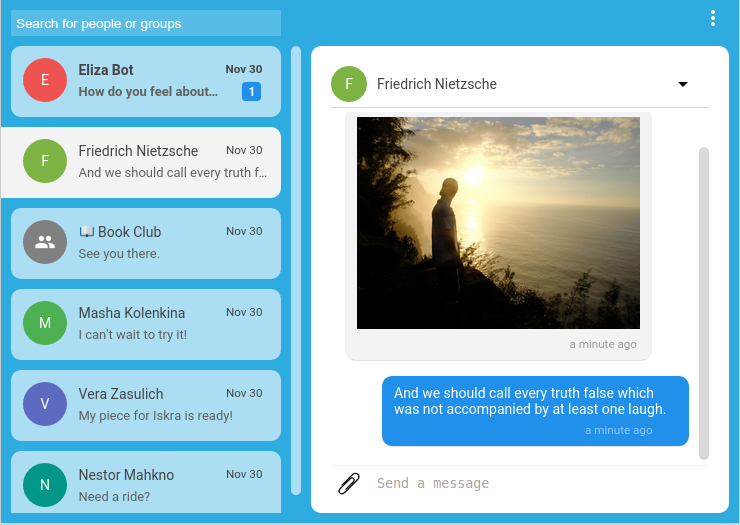
Signal is widely considered the benchmark for personal privacy. It uses end-to-end encryption by default, minimizes metadata collection, and keeps encryption keys under user control, with messages stored only on user devices.
However, Signal offers very limited administrative features. This makes it less suitable for structured team communication, organizational oversight, or regulated business environments.

WhatsApp uses end-to-end encryption to protect message content in transit. However, metadata collection is broader, and backups may not be encrypted unless users enable additional settings.
For businesses, WhatsApp provides limited control over data retention, access management, and compliance oversight. As a result, some organizations and institutions restrict their use for official communication.
Telegram
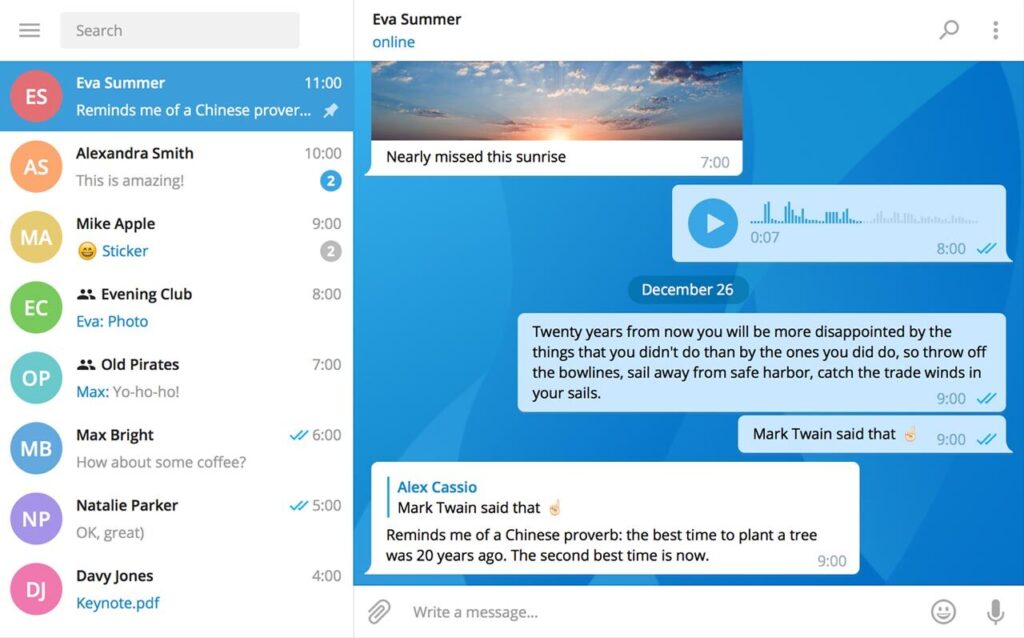
Telegram supports encryption, but end-to-end encryption is not enabled by default for most chats. Cloud-based storage prioritizes multi-device access and convenience over maximum privacy.
While popular for large communities and broadcasts, Telegram offers limited control over encryption keys and data storage compared to more privacy-focused secure messaging apps.
Threema
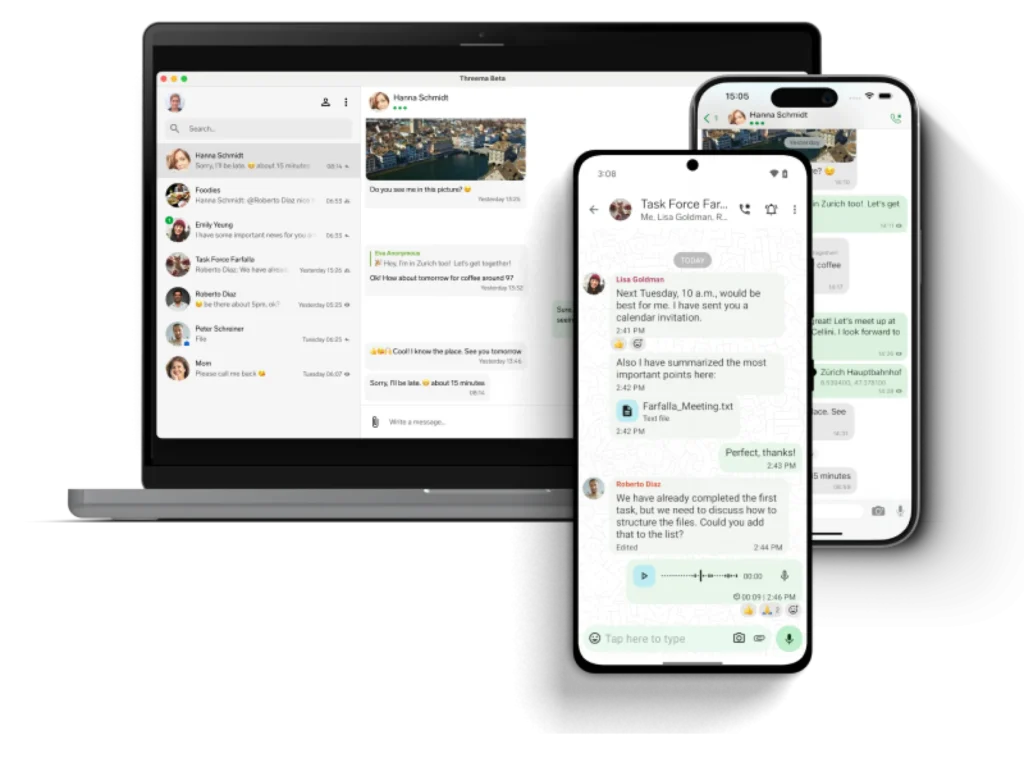
Threema is built around privacy by design and strong user anonymity. It uses end-to-end encryption for all messages, minimizes metadata collection, and allows users to communicate without linking their identity to a phone number or email address.
Because of this approach, Threema appeals to users who prioritize personal privacy over convenience. However, its administrative features are limited, making it less suitable for large teams or organizations that need structured access controls, auditing, or compliance-driven oversight.
Wire
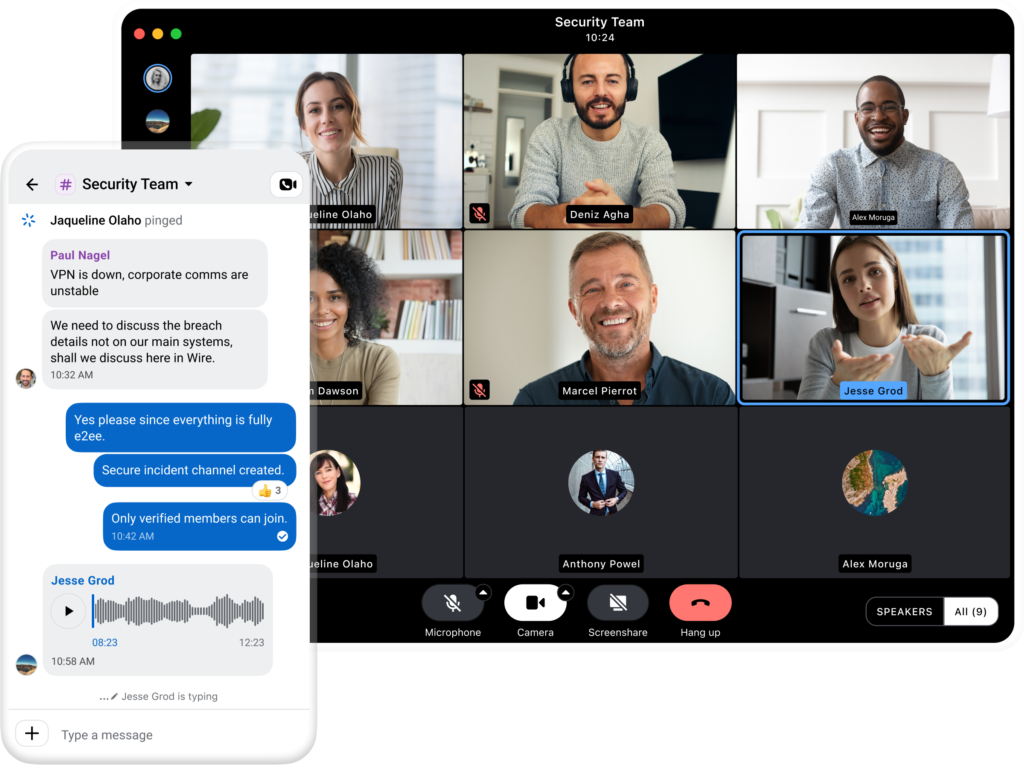
Wire is designed for professional and enterprise use, combining end-to-end encryption with team-oriented features. It supports secure backups, role-based access controls, and settings that align with compliance and regulatory requirements.
While Wire offers a stronger structure than consumer messengers, some encryption keys and supporting services are still managed at the platform level. This may not meet the expectations of users who want full personal key ownership, but it provides a balance between security, usability, and organizational control.
Choosing a secure messaging app without false expectations
Many people start searching for a secure messaging app with the hope of complete privacy and total control over their digital conversations. That reaction is understandable, especially in a world where data breaches, policy changes, and privacy concerns appear regularly in the news.
In practice, however, no messaging tool offers absolute security in every situation. Every secure messaging app is built around trade-offs – between privacy and convenience, control and usability, individual freedom and organizational oversight.
- The real goal isn’t perfection. It’s clarity.
- Before choosing a secure messaging app, it helps to step back and ask a few grounded questions:
- What kind of information do I actually share through messaging?
- Who needs access to these conversations?
- Which risks matter most in my personal or professional context?
- How much control do I realistically need over data, access, and retention?
For some users, minimizing metadata and keeping conversations off central servers is the priority. For others, especially teams and organizations, structured access controls, accountability, and predictable data handling matter more than maximum anonymity.
This is where understanding security – not just reading feature lists – makes the difference. When encryption, access controls, and data policies are explained clearly rather than hidden behind marketing language, users can make decisions based on their real needs instead of fear or assumptions.
A secure messaging app should support how you communicate, not complicate it. The best choice is the one that fits your workflow, your risk tolerance, and your expectations – and does so transparently.
Security works best when it’s understood. And understanding is what turns caution into confidence.
For teams that need secure messaging with clear access controls and predictable data handling, book a Chanty demo to see a secure team space in action.