
Virtual meetings have become a core part of how modern teams work. Daily standups, client calls, interviews, onboarding sessions, and company-wide updates now happen online by default. As a result, choosing the right video meeting app is no longer just a technical decision – it directly affects productivity, communication quality, and team alignment.
Today’s virtual meeting tools go far beyond simple video calls. Screen sharing, meeting recordings, live captions, breakout rooms, calendar integrations, and increasingly AI-powered summaries are now standard features. Yet not every team needs the same setup. Some prioritize simplicity and price, others require enterprise-grade security, while distributed teams often look for tools that combine chat, tasks, and meetings in one place.
This guide compares the best virtual meeting apps, including Chanty, Zoom, Google Meet, Microsoft Teams, Cisco Webex, and several notable alternatives. You’ll find a quick overview, a comparison table, and detailed breakdowns to help you choose the right solution for how your team actually works.
Quick overview: the best video meeting apps
- Chanty – Team chat with built-in video meetings and tasks
- Zoom – Powerful video conferencing for large meetings and webinars
- Google Meet – Simple, browser-based meetings for Google Workspace users
- Microsoft Teams – Video meetings inside a full Microsoft 365 collaboration hub
- Cisco Webex – Secure, enterprise-grade video conferencing
- Whereby – Lightweight, no-download video meetings
- Jitsi – Open-source, self-hosted video meetings
Deep dives – what each meeting app actually brings to the table
Chanty
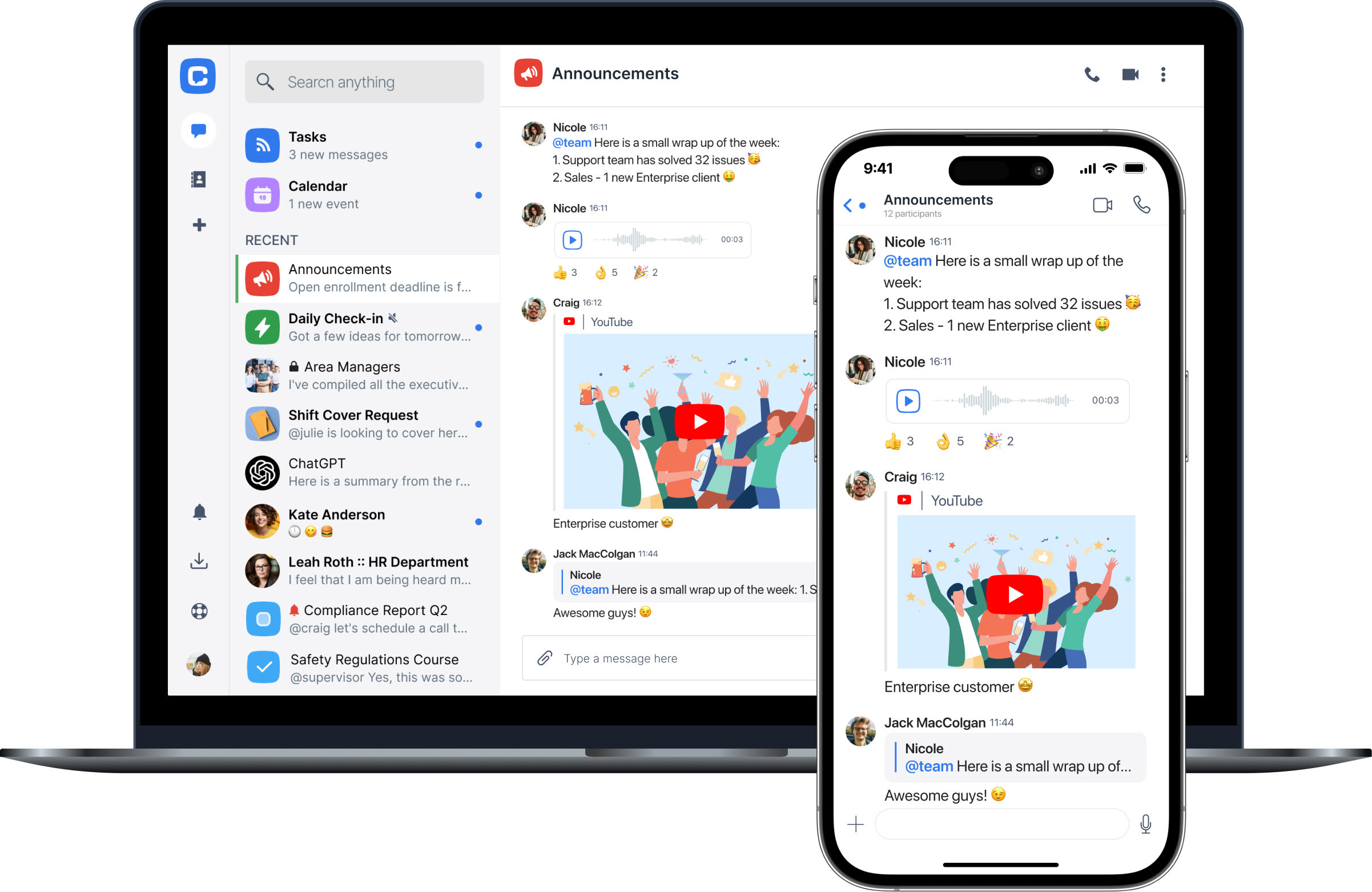
Chanty is a lightweight video meeting app built into a broader team collaboration platform that combines chat, task management, a built-in calendar, and video calls. Instead of relying on multiple tools, small teams can plan meetings, communicate, and manage work from a single workspace.
Chanty’s approach focuses on simplicity. Video meetings are tightly connected to team conversations, tasks, and scheduled events in the built-in calendar, helping teams stay aligned before and after calls.
Key features and business benefits
- Built-in video and audio calls: Teams can start online meetings directly from chats, reducing setup time and context switching.
- Built-in calendar: Allows teams to plan meetings, track upcoming calls, and keep schedules visible inside the same collaboration space.
- Team chat with unlimited message history: Supports transparency and easy access to past discussions linked to meetings.
- Task management inside conversations: Action items from video meetings can be instantly turned into tasks.
- Simple pricing structure: Predictable costs work well for small businesses and startups.
Pros
- Chat, tasks, calendar, and video meetings in one app
- Easy to adopt with minimal onboarding
- Affordable and transparent pricing
- Well-suited for daily team communication
Cons
- Not designed for large webinars or public virtual events
- Limited advanced meeting controls compared to enterprise tools
Best for: Small businesses, startups, and distributed teams looking for a video meeting app for everyday collaboration without tool overload.
Zoom
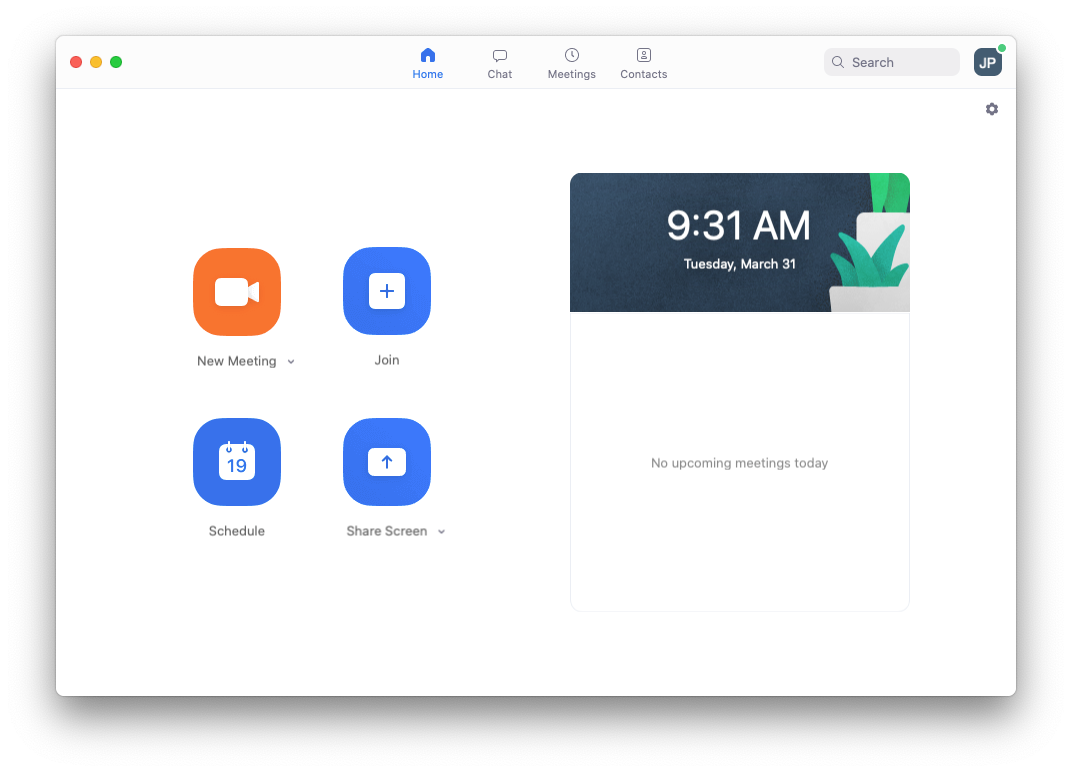
Zoom is one of the most widely used video meeting apps, trusted by teams for everything from quick internal check-ins to large-scale webinars and hybrid events. Its familiarity alone lowers the barrier to joining meetings, especially when working with clients, partners, or distributed teams.
What truly sets Zoom apart is its ability to scale without adding complexity. Features like breakout rooms, cloud recording, live transcription, and broad integrations help teams run effective online meetings, training sessions, and external presentations.
Key features and business benefits
- High participant limits: Enables large businesses to host all-hands meetings, webinars, and external events without performance issues.
- Breakout rooms: Support workshops, training, and collaborative sessions by splitting large meetings into smaller groups.
- Cloud recording and live transcription: Help distributed teams revisit meetings asynchronously and improve accessibility.
- Wide third-party integrations: Connect Zoom with calendars, CRM systems, learning platforms, and team collaboration tools.
Pros
- Excellent stability at scale
- Advanced webinar and virtual event capabilities
- Strong moderation controls for hosts
- Broad integration ecosystem
Cons
- Costs increase with add-ons and higher participant limits
- Feature depth can be excessive for small teams with simple meeting needs
Best for: Organizations running large meetings, webinars, hybrid events, or external-facing online meetings require reliable, scalable video conferencing software.
Google Meet
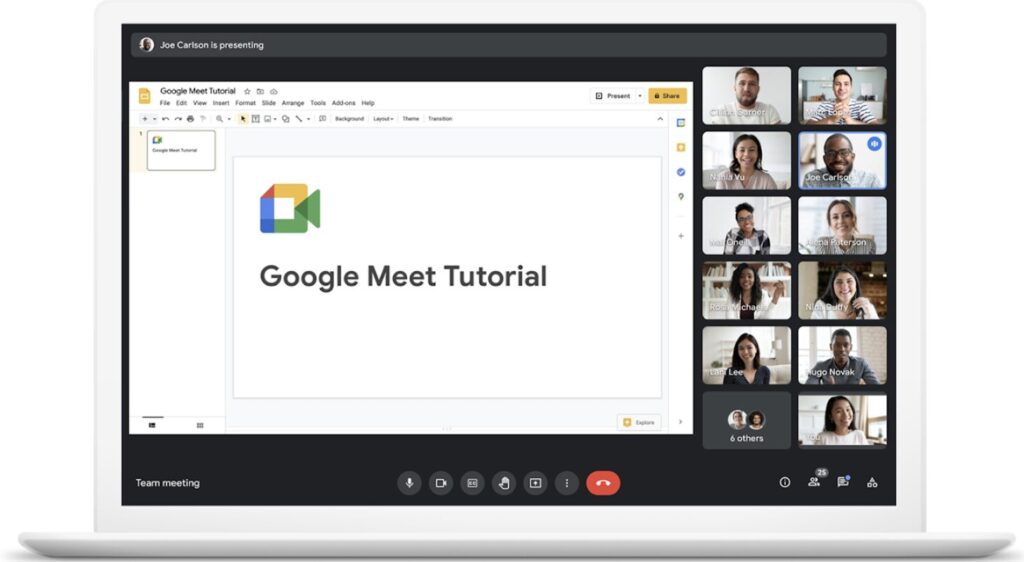
Google Meet is a browser-based video conferencing software designed for teams that rely on Google Workspace. Meetings are easy to schedule through Google Calendar and easy to join, making it a practical choice for fast, low-friction online meetings.
Google Meet prioritizes accessibility and reliability over advanced customization, which works well for small to mid-sized teams.
Key features and business benefits
- Browser-based meetings: No downloads reduce friction for employees, partners, and clients.
- Native Google Calendar integration: Scheduling and joining meetings takes just a few clicks.
- Live captions: Improve accessibility and comprehension during meetings.
- Screen sharing and recording (plan-dependent): Useful for team updates and knowledge sharing.
Pros
- Clean and familiar interface
- Seamless Google Workspace integration
- Easy access for external participants
Cons
- Advanced features depend on the Workspace tier
- Limited controls for large-scale events
Best for: Small and mid-sized teams already using Google Workspace who want simple, reliable video meetings.
Microsoft Teams
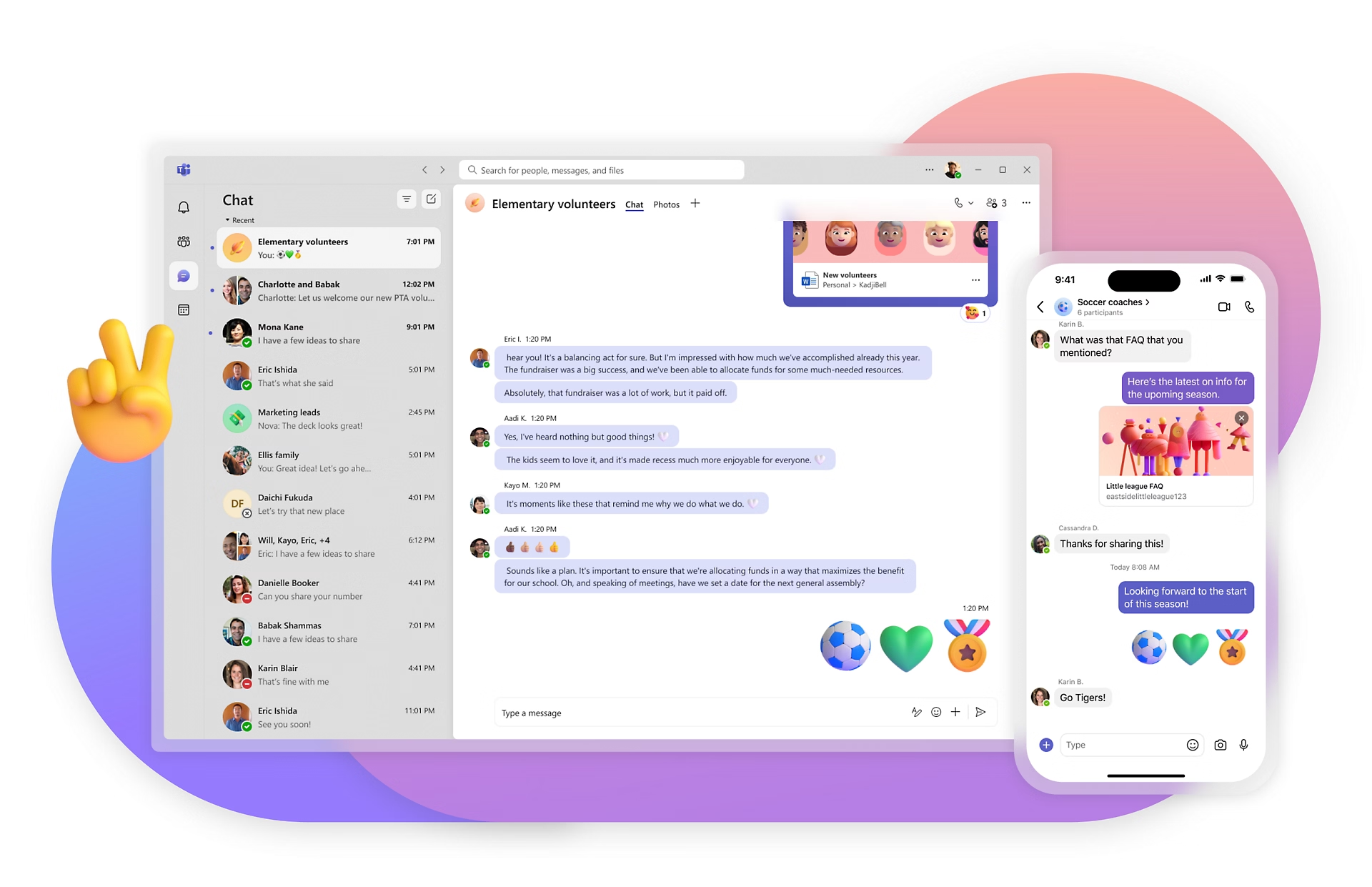
Microsoft Teams is a full enterprise collaboration platform where video meetings are combined with chat, file sharing, and app integrations. For organizations using Microsoft 365, Teams often becomes the central workspace for internal communication.
Teams is designed to support complex organizational structures and large user bases.
Key features and business benefits
- Deep Microsoft 365 integration: Teams can collaborate on Word, Excel, and PowerPoint files during video meetings.
- Breakout rooms and live captions: Support training sessions, workshops, and onboarding at scale.
- Enterprise-grade security and compliance: Meets the needs of large organizations with strict governance policies.
- Centralized administration: IT teams can manage users, permissions, and meeting policies efficiently.
Pros
- Strong security and compliance options
- One platform for chat, files, and meetings
- Scales well across large organizations
Cons
- Steeper learning curve for new users
- Too complex for small teams with basic needs
Best for: Medium and large organizations looking for enterprise video conferencing software tightly integrated with Microsoft 365.
Cisco Webex
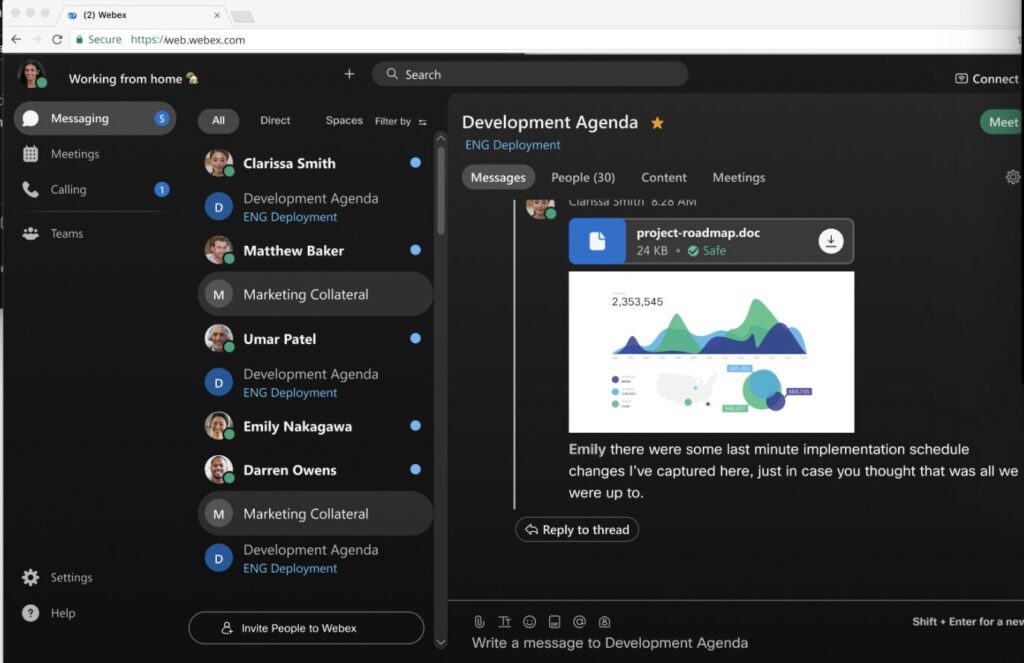
Cisco Webex is an enterprise-grade video meeting app built with security, compliance, and reliability as top priorities. It’s commonly used by large organizations and regulated industries where meeting control and data protection matter most.
Webex supports both virtual and hybrid meetings, including conference room setups.
Key features and business benefits
- Advanced security and encryption: Suitable for industries with strict compliance requirements.
- Host controls and permissions: Enable structured, well-governed meetings.
- Conference room and hardware integration: Supports hybrid workplaces with physical meeting spaces.
- Scalable infrastructure: Handles large internal and external meetings reliably.
Pros
- Strong focus on security and compliance
- Excellent support for hybrid meeting rooms
- Reliable performance at scale
Cons
- Interface feels enterprise-first
- Pricing and setup can be complex
Best for: Large enterprises and regulated organizations need secure video meeting software.
Whereby

Whereby is a browser-based virtual meeting tool focused on fast access and frictionless client communication. Participants can join virtual meetings instantly via a link, without creating accounts or installing software.
Whereby is intentionally minimal, making it easy to use for non-technical participants and external stakeholders.
Key features and business benefits
- No-download virtual meetings: Reduce join-time friction and technical issues for clients and partners.
- Persistent personal meeting rooms: Ideal for recurring client calls, interviews, and consultations.
- Simple screen sharing and recording (paid plans): Support presentations and meeting follow-ups.
- Clean, distraction-free interface: Keeps meetings focused on conversation rather than controls.
Pros
- Extremely easy for guests to join
- Minimal setup and learning curve
- Works well for one-to-one or small group calls
Cons
- Limited collaboration features
- Not suitable for large teams or webinars
Best for: Freelancers, consultants, and small service businesses that need simple video meetings with clients.
Jitsi
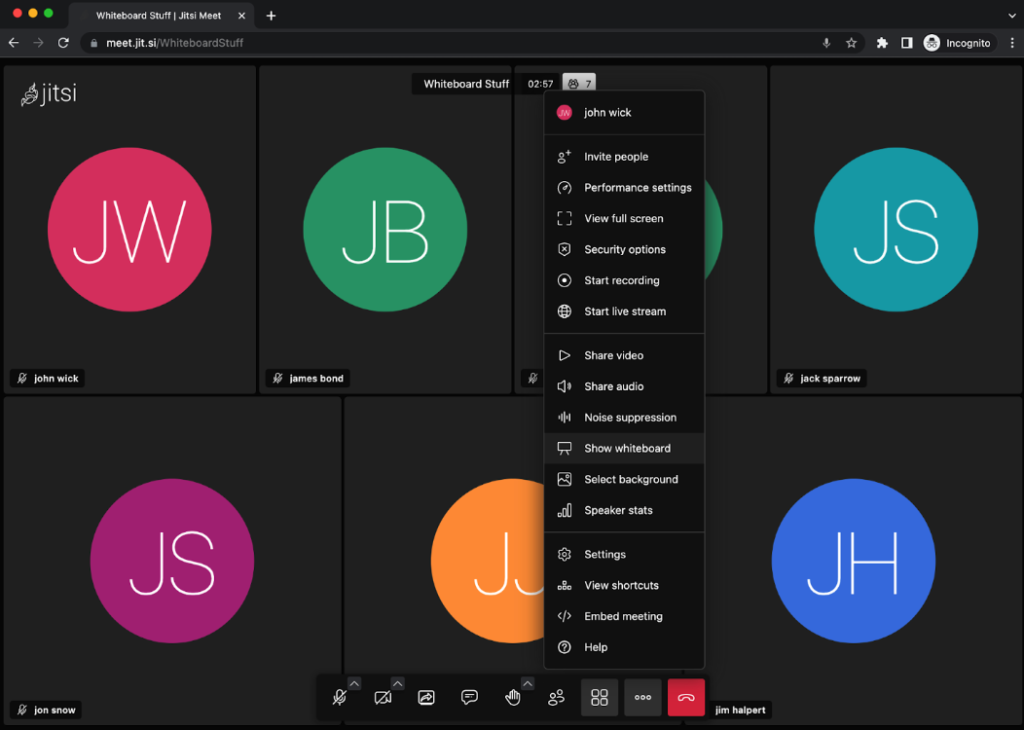
Jitsi is an open-source videoconferencing software that gives organizations full control over their video conferencing infrastructure. It can be self-hosted or used through public instances, making it a flexible option for privacy-first teams.
Jitsi is best suited for organizations with technical expertise and strict data ownership requirements.
Key features and business benefits
- Open-source architecture: Provides transparency, flexibility, and freedom from vendor lock-in.
- Self-hosting capability: Allows teams to meet data residency, security, and compliance requirements.
- Customizable virtual meeting setup: Can be tailored to internal workflows, authentication methods, and integrations.
- Recording and streaming support (configured setups): Enables documentation and broader communication when properly configured.
Pros
- Full control over data and infrastructure
- No vendor lock-in
- Free to use (hosting costs apply)
Cons
- Requires technical expertise
- Performance depends on server quality
Best for: Privacy-focused organizations and technical teams need self-hosted video meeting software
Virtual meeting tools comparison at a glance
| App | Best for | Free plan | Typical meeting size | Recording | Key benefit |
| Chanty | Small teams | Yes | Small–mid teams | Paid | Chat, tasks, and meetings in one app |
| Zoom | Webinars & large calls | Yes | 100–1000+ | Yes | Scalability and advanced controls |
| Google Meet | Google Workspace teams | Yes | 100–250 | Yes | Seamless Google integration |
| Microsoft Teams | Microsoft 365 orgs | Yes | 100–300+ (plan-dependent) | Yes | Enterprise collaboration |
| Cisco Webex | Regulated industries | Yes | 100–1000+ | Yes | Security and compliance |
| Whereby | Client calls | Limited | Small groups | Paid | No installs required |
| Jitsi | Privacy-first teams | Yes | Server-based | Yes | Open-source control |
Note: Not all virtual meeting tools support webinars or large public events. Tools like Zoom and Webex are designed for scale, while Chanty, Google Meet, and Whereby focus on internal and client communication.
Final thoughts
The best virtual meeting tool ultimately depends on how your team works. There is no universal winner – only the right fit for your workflows, team size, and communication style.
Over the past few years, virtual meeting tools have become essential for a wide range of professionals. IT specialists rely on them to troubleshoot and collaborate across time zones. Coaches, consultants, and trainers use virtual meetings to connect with clients in more personal and flexible ways. For many teams, video calls are no longer just about efficiency – they help preserve the human connection we all missed when the pandemic turned the world upside down.
If your goal is to keep communication simple and reduce the number of tools your team uses, Chanty stands out by combining chat, task management, a built-in calendar, and video meetings in one affordable platform. For large-scale webinars and public events, Zoom remains hard to beat. Google Meet and Microsoft Teams are natural choices within their respective ecosystems, while Cisco Webex serves organizations with advanced security and compliance needs.
The smartest approach is to match the tool to your real needs – not just the longest feature list.
If you’re looking for a straightforward way to bring conversations, tasks, and virtual meetings together in one place, book a demo with Chanty and see how simpler collaboration can feel for your team.